---
title: "Adding Lightboxes to Images"
description: "Lightboxes allow your customers to expand an image or a GIF for a closer look. This might be useful for the little details they can't quite see without expanding or accessibility for people with vision impairment."
url: "https://support.helpdocs.io/article/9iGppQNa8L-adding-lightboxes-to-images"
category: "Code Snippets"
updated_at: "2026-03-05T20:41:07Z"
---
# Adding Lightboxes to Images
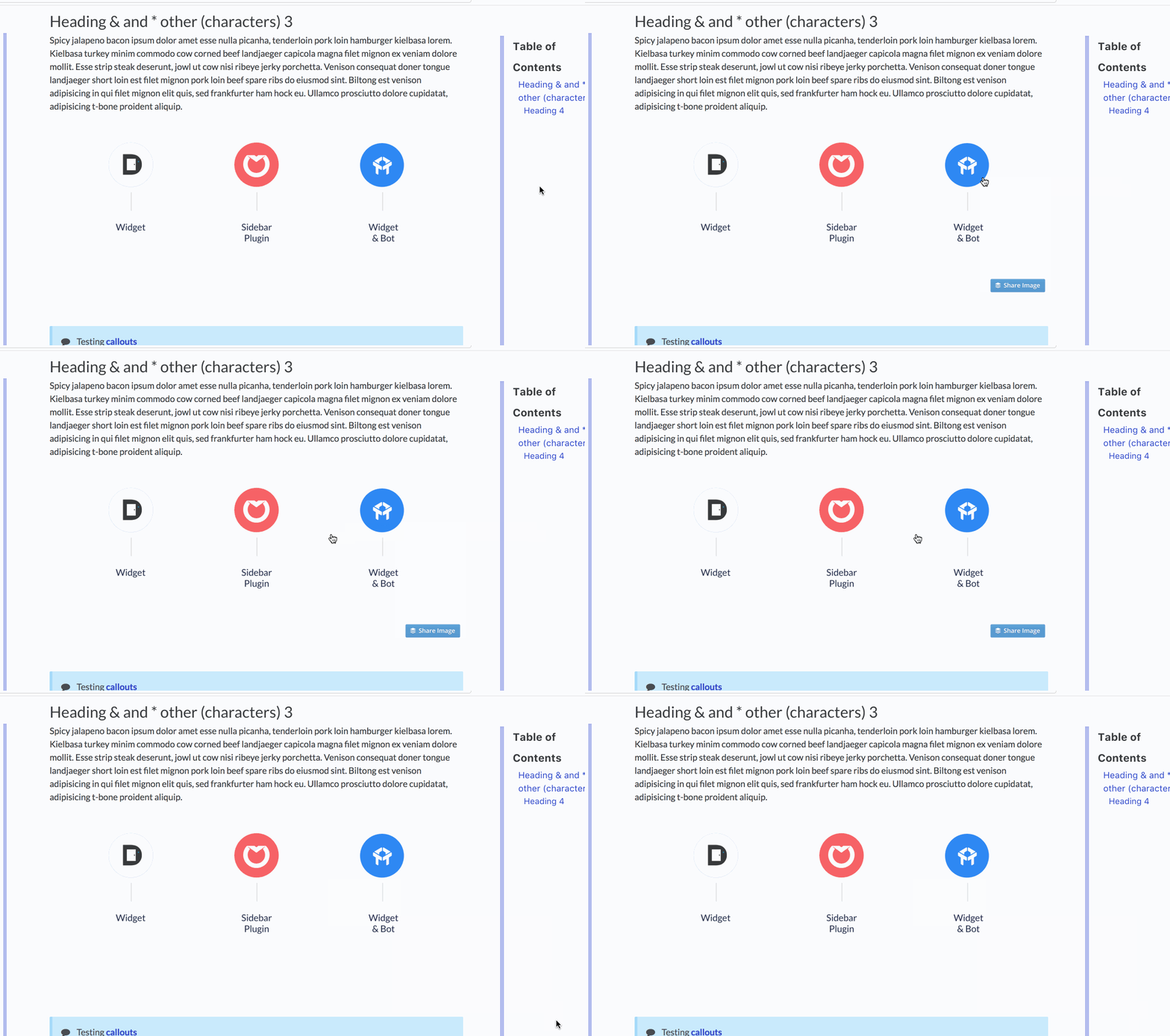
Lightboxes allow your customers to expand an image or a GIF for a closer look. This might be useful for the little details they can't quite see without expanding or accessibility for people with vision impairment.
To use a lightbox, you'll need to use [CSS](https://support.helpdocs.io/article/lO4weBTNjJ-adding-custom-css) and [Javascript](/article/SULVqxY2pM-adding-custom-java-script)
This only works for V3 templates, and this code is no longer maintained. We strongly recommend [upgrading to a v5 template instead](/article/uQDebSnIrD-choosing-a-layout) where this functionality is automatic.
### The CSS
Paste this snippet into **Settings** > [**Code**](https://my.helpdocs.io/app/settings?tab=code) > **CSS**.
```css
/* For image lightbox */
.mfp-bg { z-index: 9999 !important; }
.mfp-wrap { z-index: 10000 !important; }
.lightbox:focus { outline: none !important; }
```
### The JavaScript
Paste this snippet into **Settings** > [**Code**](https://my.helpdocs.io/app/settings?tab=code) > **Javascript**.
```javascript
```