
You spend a lot of your week in here, so it matters that the app is a calm place to work. We've rebuilt it around the way you actually move through your docs. And yes, it's a little more pink 😏
HelpDocs turned 10 years old this year, so we're excited to bring in the new era after a decade of work. This is one of the biggest updates we've ever shipped.
What's new
This update is one of our biggest yet, and we've been working up to it for months. Here are some of the main improvements to your dashboard (apart from looking the part 😏).
Quick Look: check an article without losing your place
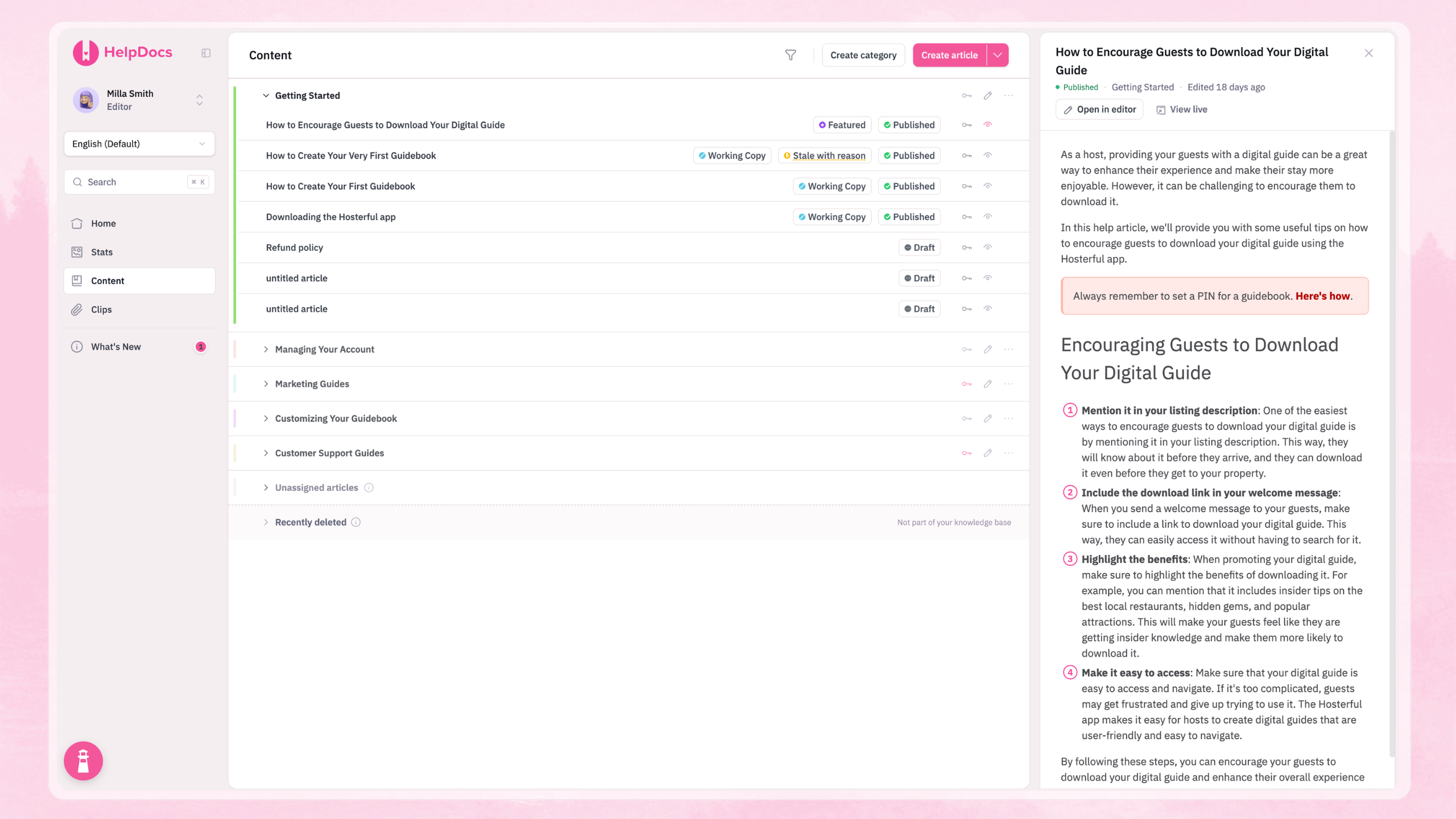
Click the eye icon to the right of any article in Content. A preview opens beside the list and pushes it aside instead of covering it. You can read an article, close it, and carry straight on down the list.
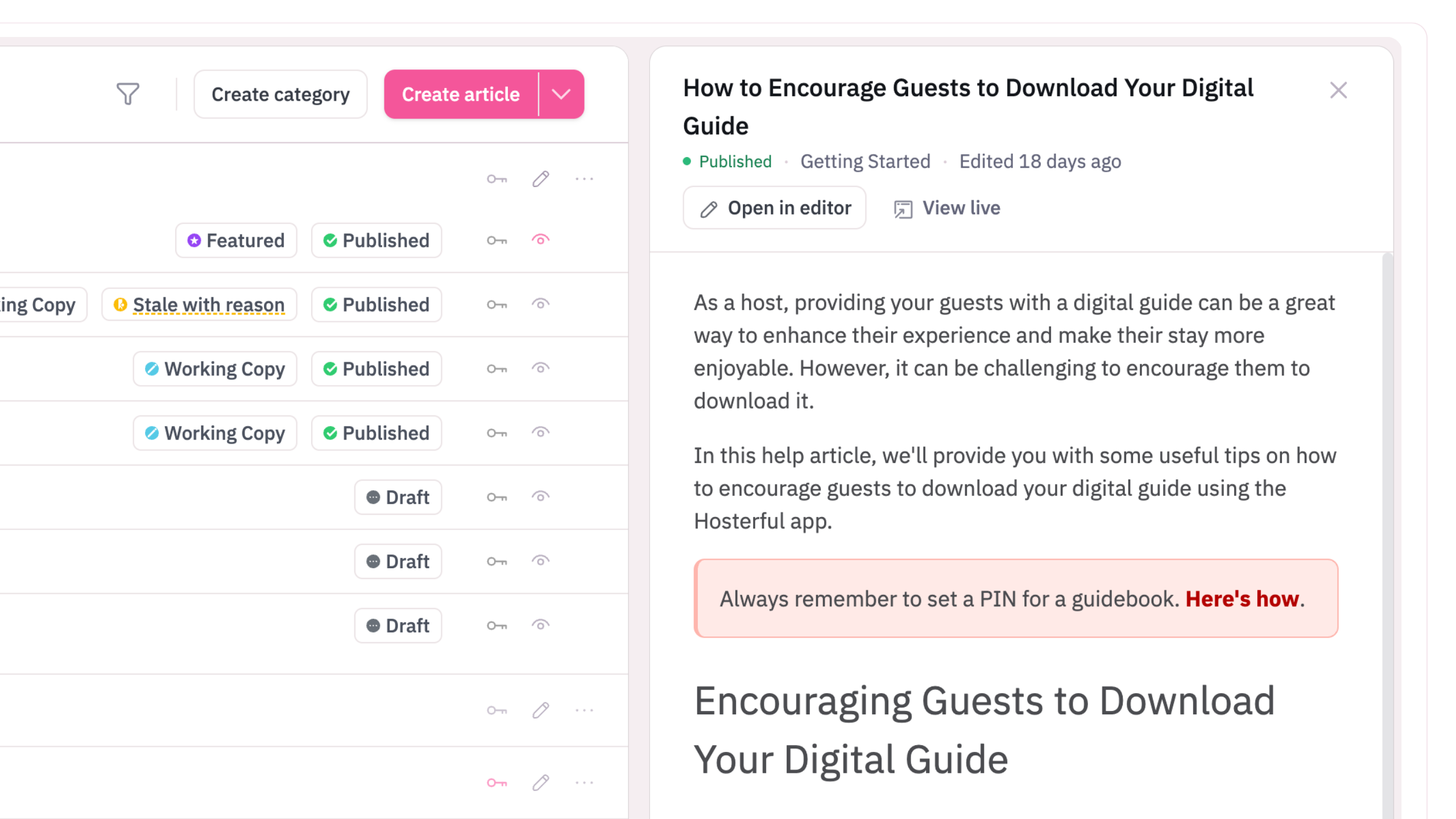
Filters behave the same way, and you can drag either panel wider.
Phone ready
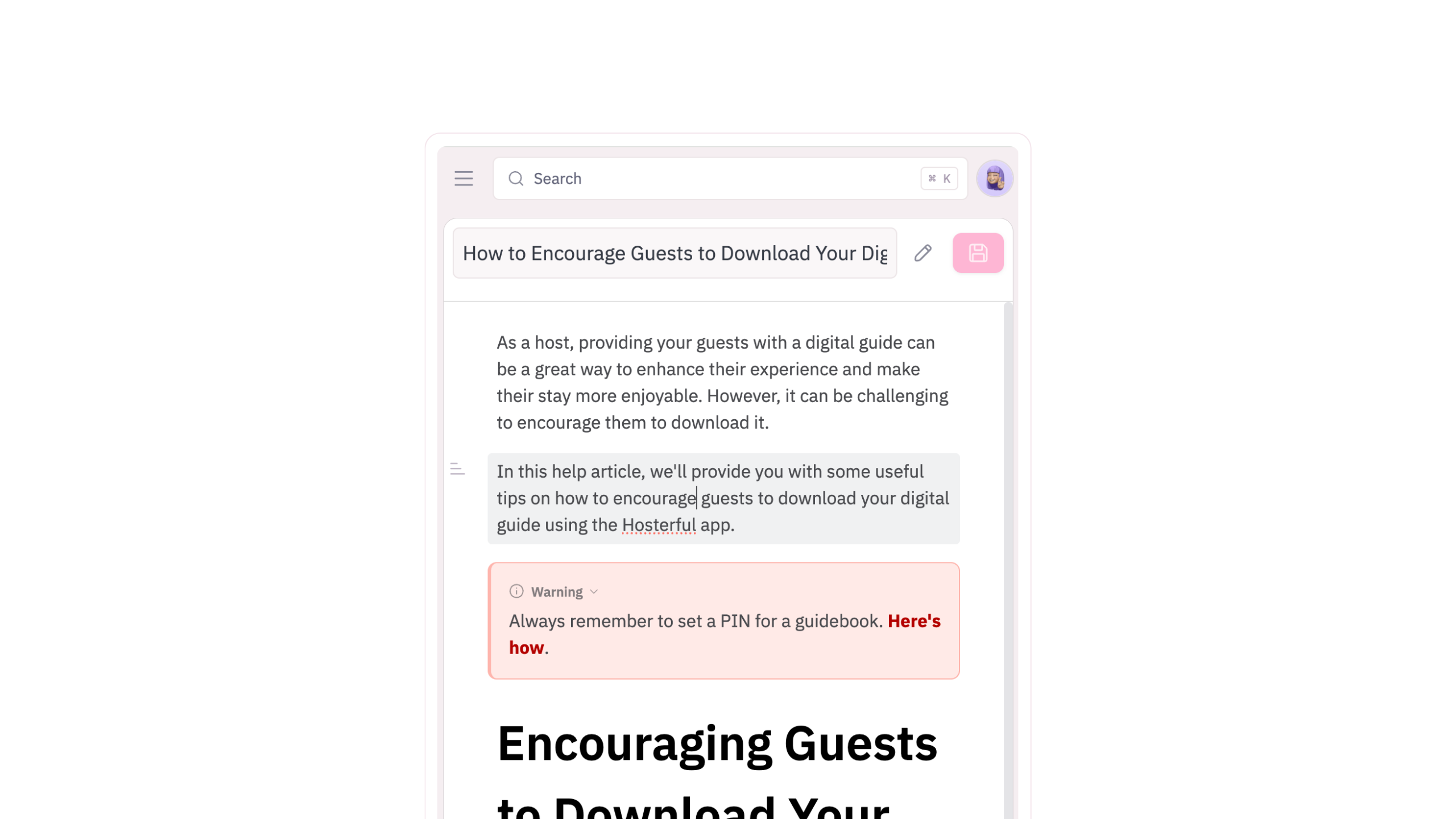
Every view now adjusts properly to a phone screen, including Content, the editor, and version history. Enough to approve a change or fix a typo when you're away from your desk.
New diff view
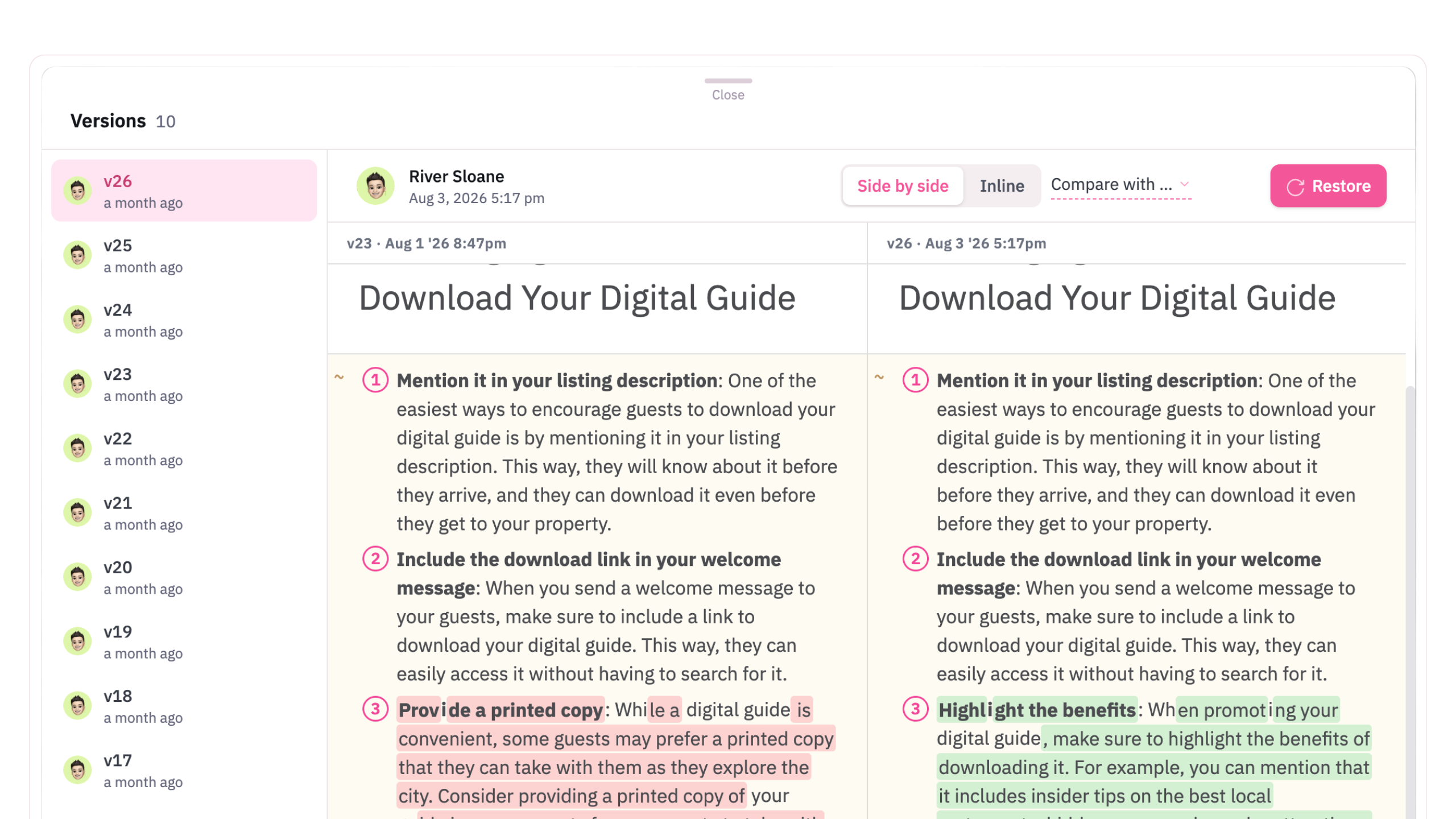
Open version history on any article and you'll see the two versions next to each other. Every block that was added, removed, or changed is marked, so you can spot the real difference instead of hunting for it.
New login pages
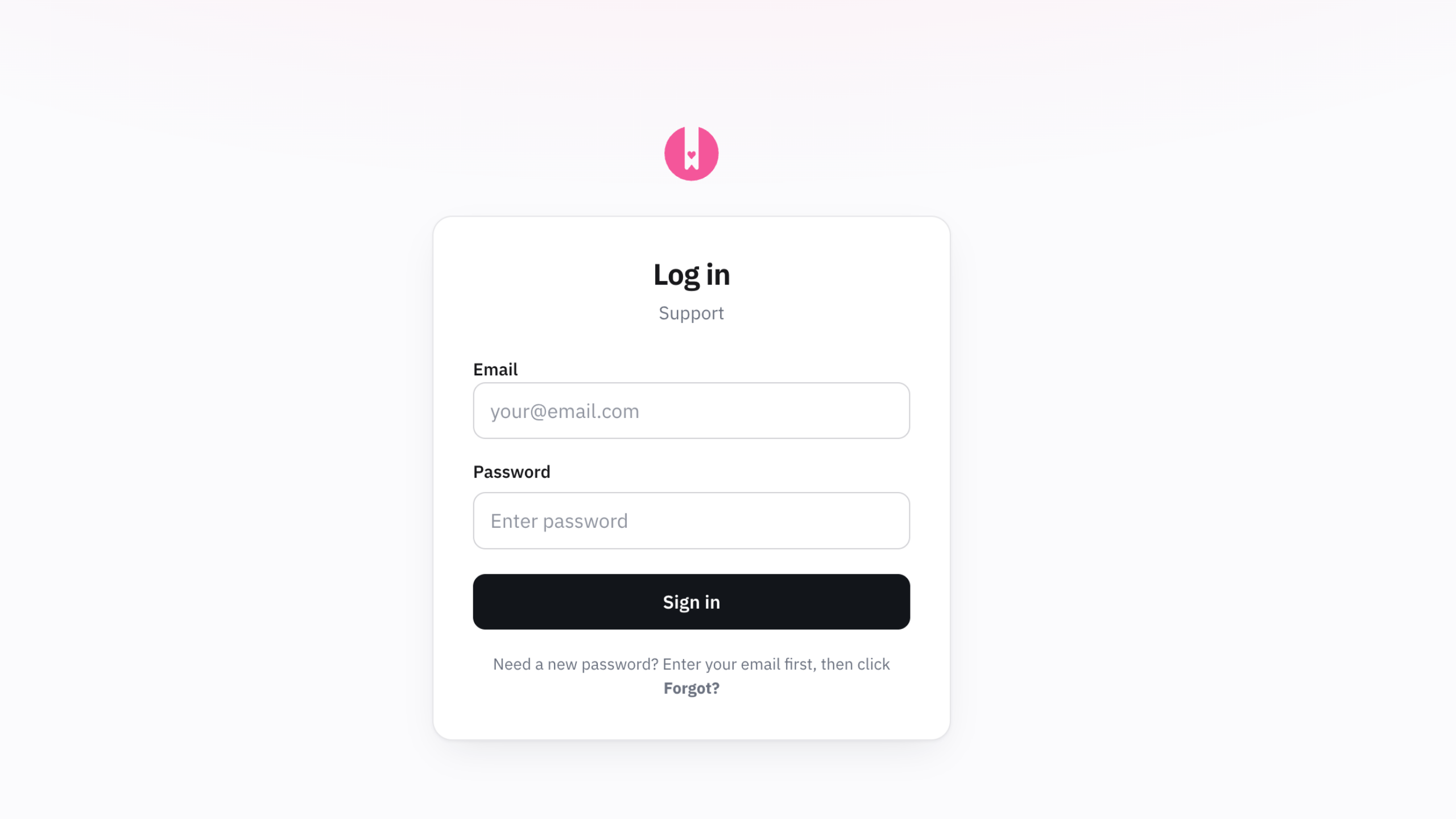
Next time you log in, you'll see a brand new modern sign-in page. It better reflects the app design, and it's not, well, as in your face as the last one 🥲
Clearer permission groups
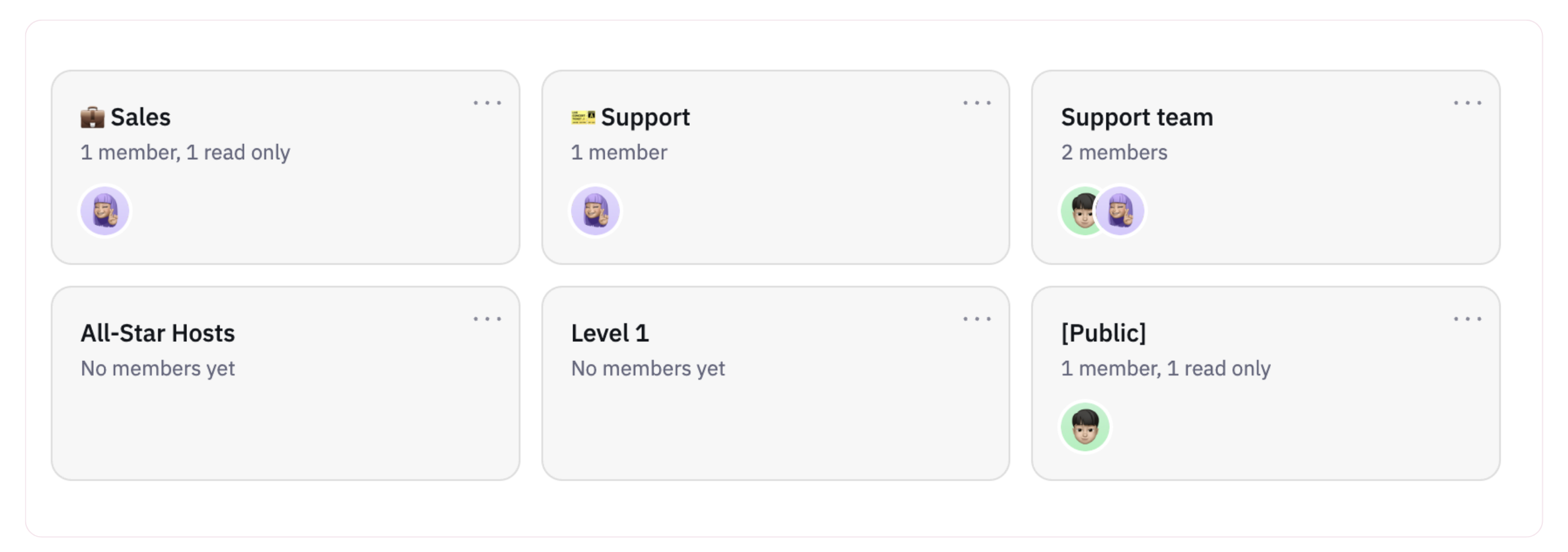
The permissions tab used to be a row of tabs. It's now a set of cards with your team's avatars on them, so you can see who sits where without clicking through each group.
Collapsing side menu
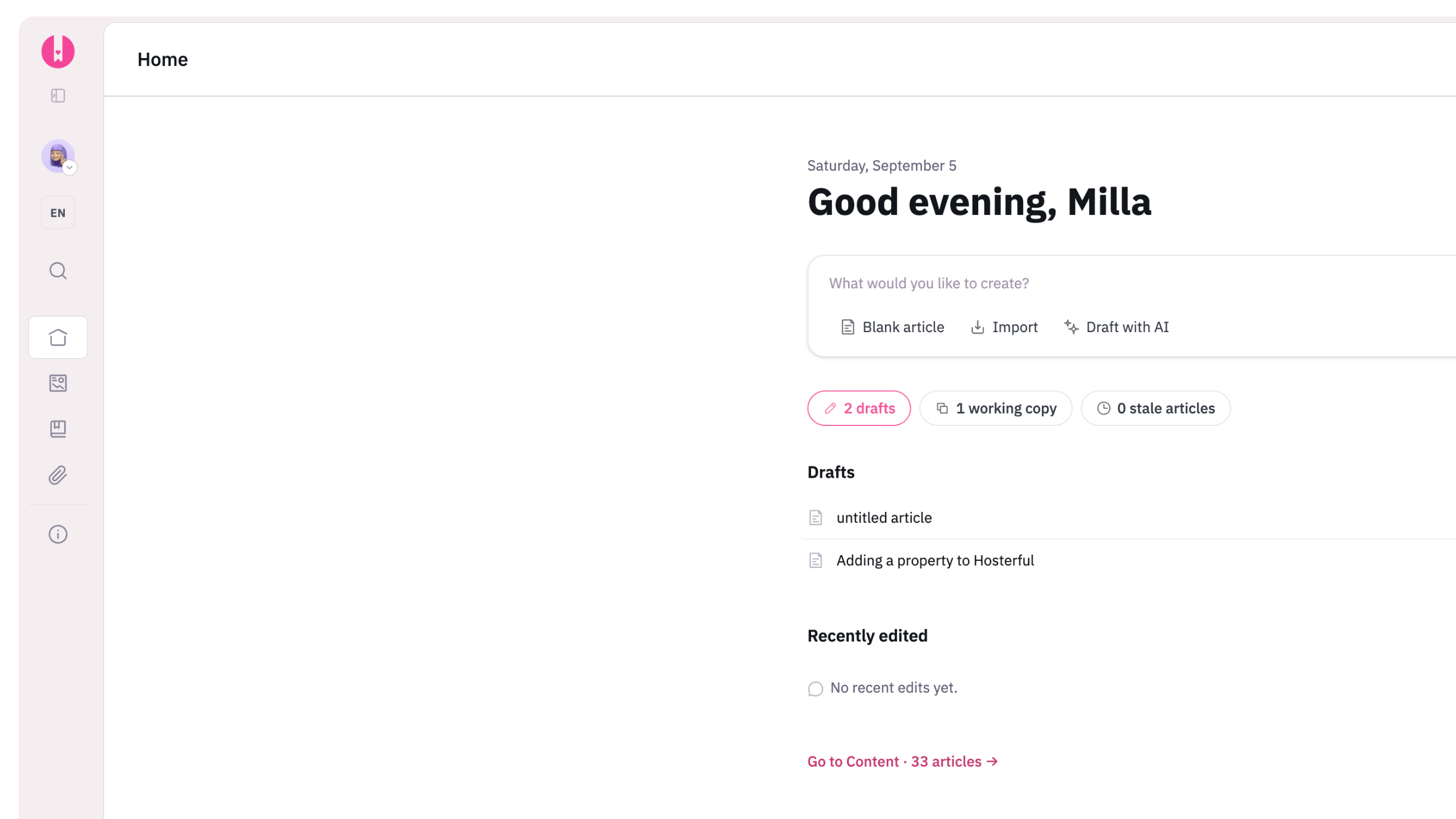
Want the full width of the screen for writing? Click the collapse icon at the top of the side menu to fold it away. It stays collapsed until you bring it back, so you're not doing it again every morning.
Here's to the new era
Ten years of helping people work in here shaped most of what changed. Every panel, every shortcut, and yes, every shade of pink came from someone telling us how they actually use the app.
Go and have a look around. If you find a favorite, reply and tell us. We never get tired of hearing it.