
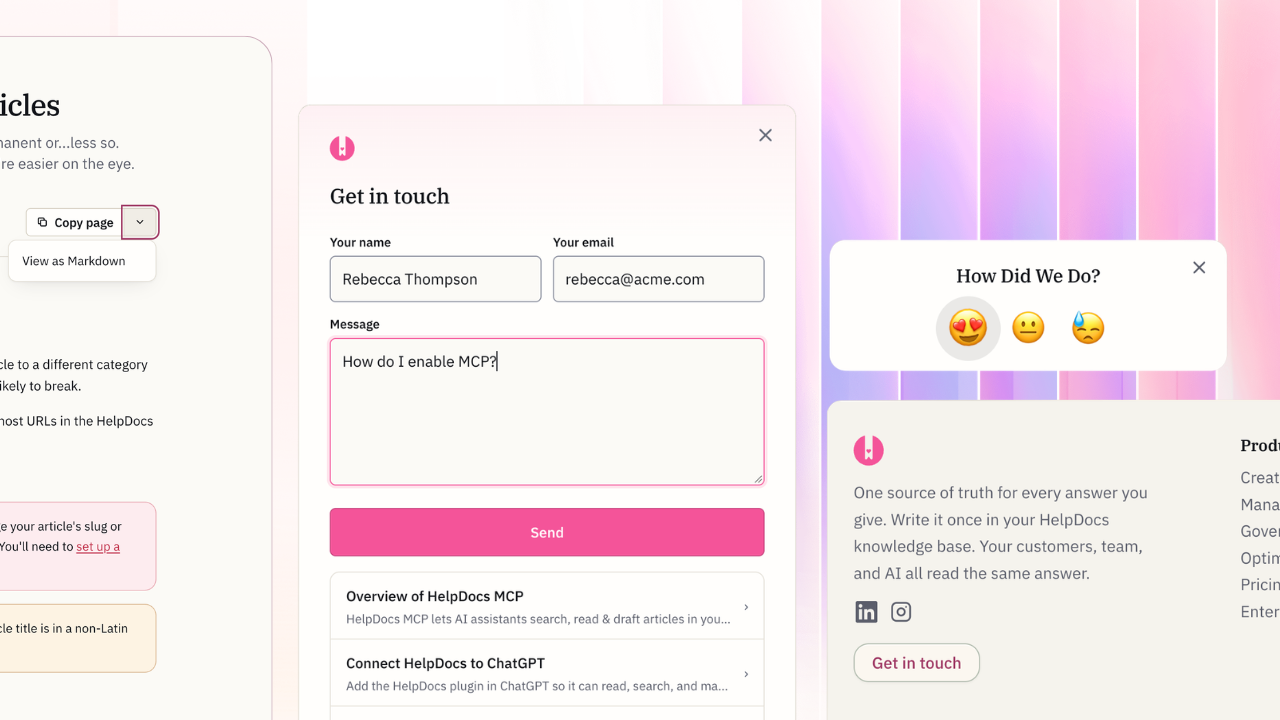
Available on: All plans, today. Head to Customize to switch.
Introducing the most advanced templates we've ever made, designed for the agentic era. Our sixth generation starts with three new templates and turns the different parts into flexible settings.
We've created a completely redesigned footer, a plethora of customization options, all with a modern design we think you'll love.
Take a peek at the new features 👀
Feature | What you get | Example | |
|---|---|---|---|
Customize the appearance | Control the corners, background color, spacing, heading font, search banner, and more. | 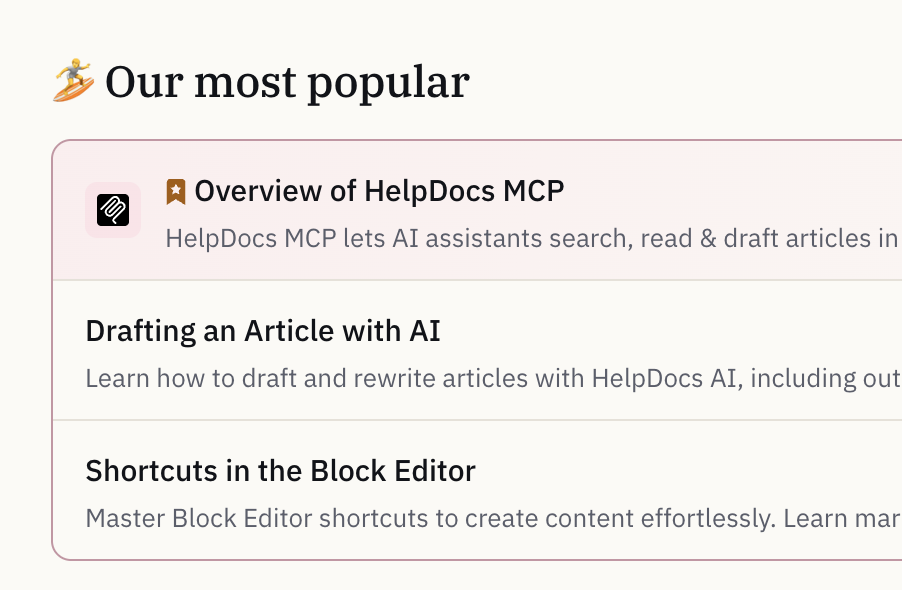 | |
Redesigned footer | Build an advanced footer with links to your site and socials. Add a disclaimer in different languages. | 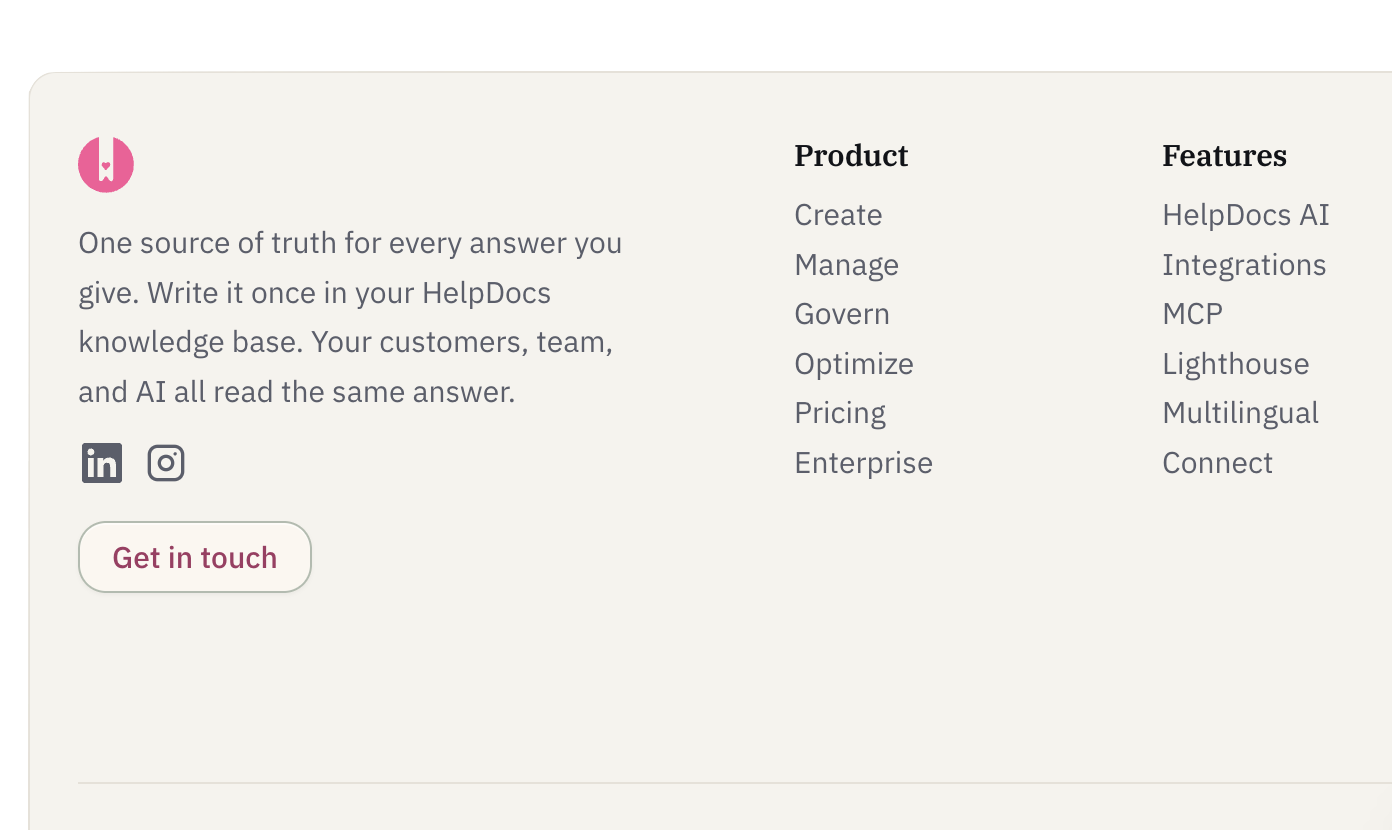 | |
New components & extras | Show selected featured articles instead of top articles, or show neither. Prompt users to share feedback in a widget at the end of your article. Animate lines between steps and show an outdated notice on Stale articles. | 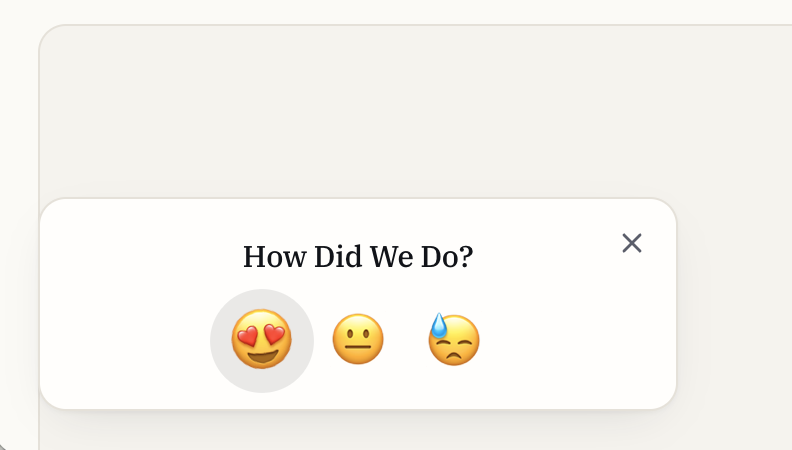 | |
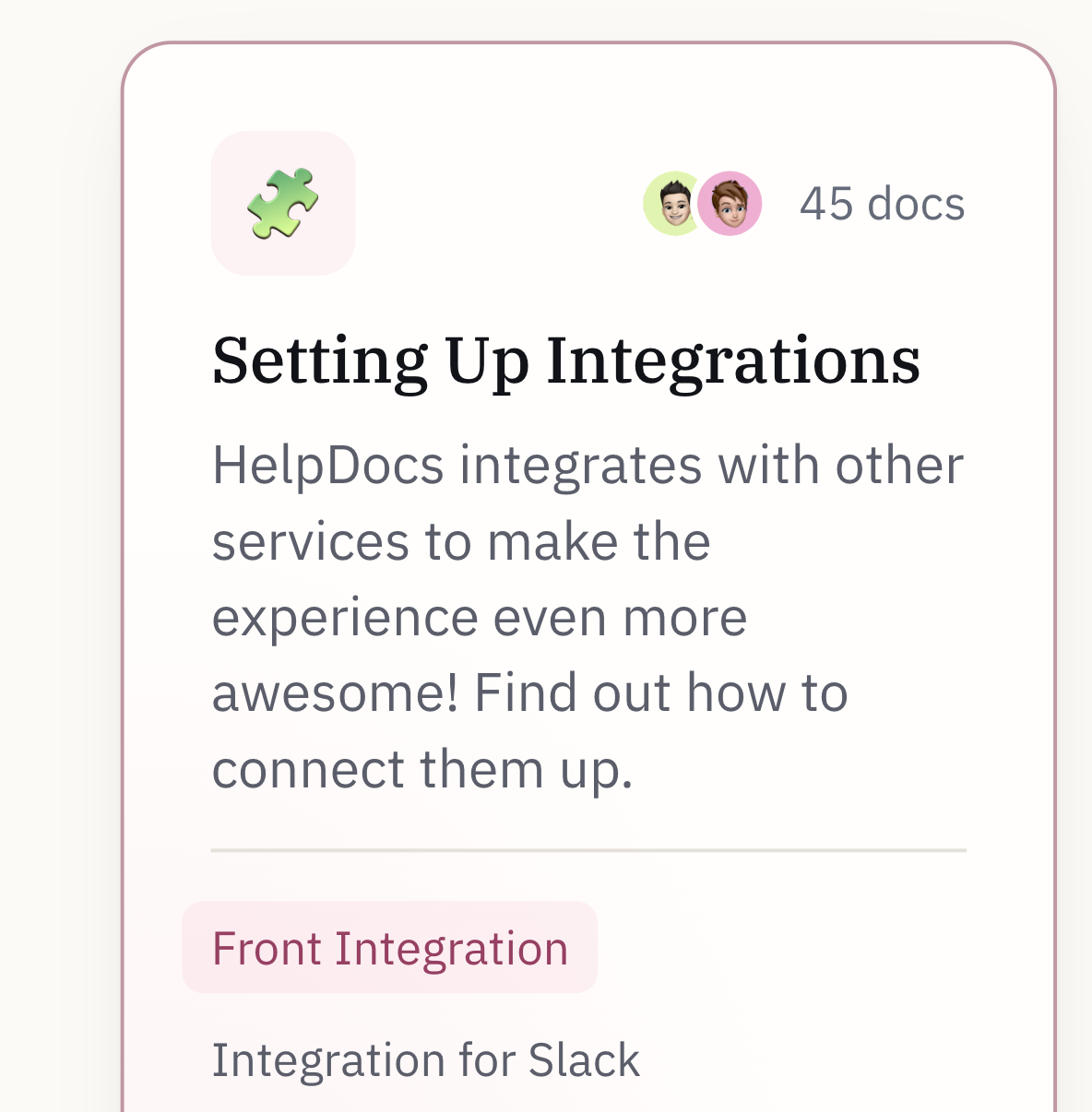
Emoji icons | Apply emoji to your categories or articles for an easy and friendly look. No design work needed 🎉 |
| |
Image annotations | Annotate images inline, draw shapes, redact information, and blur sections. You never have to leave the block editor. | 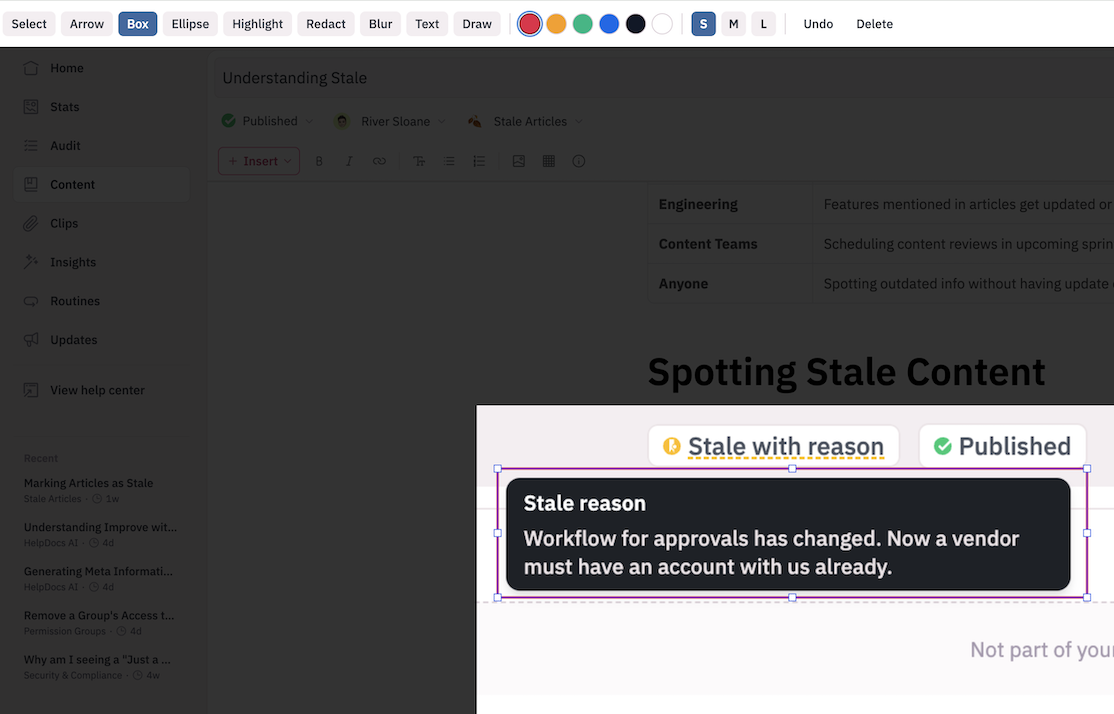 |
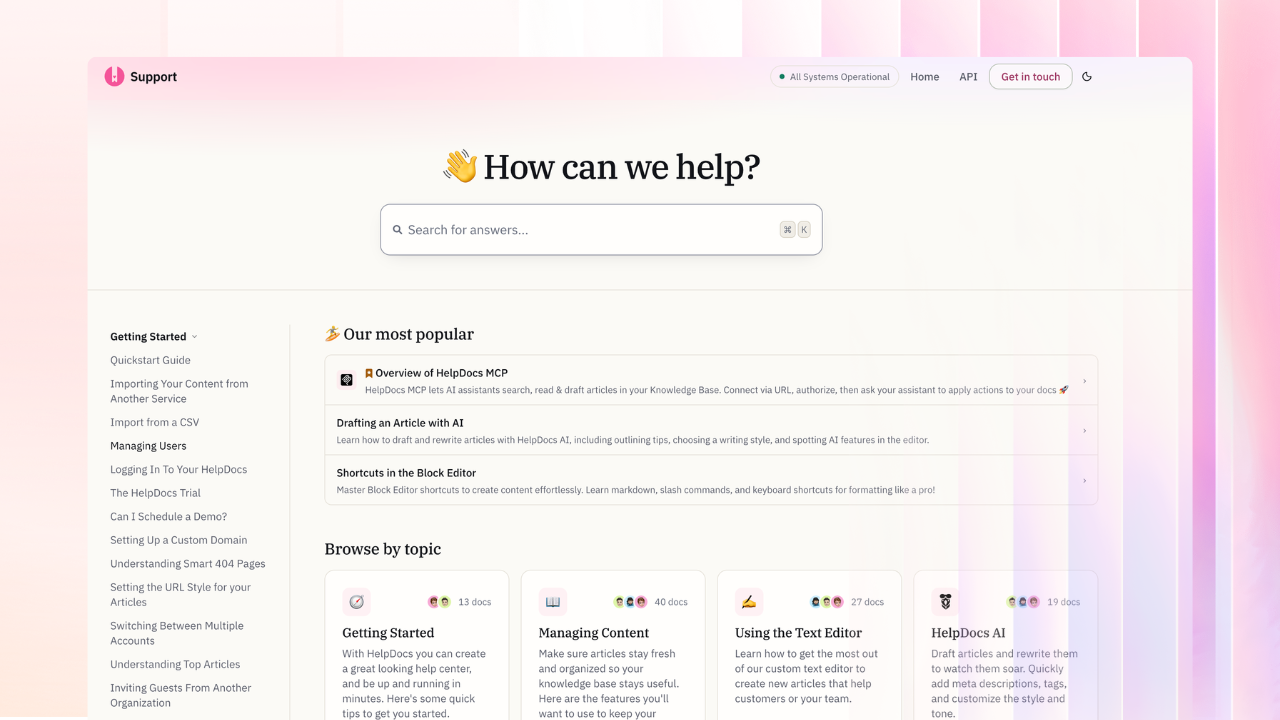
- Startup
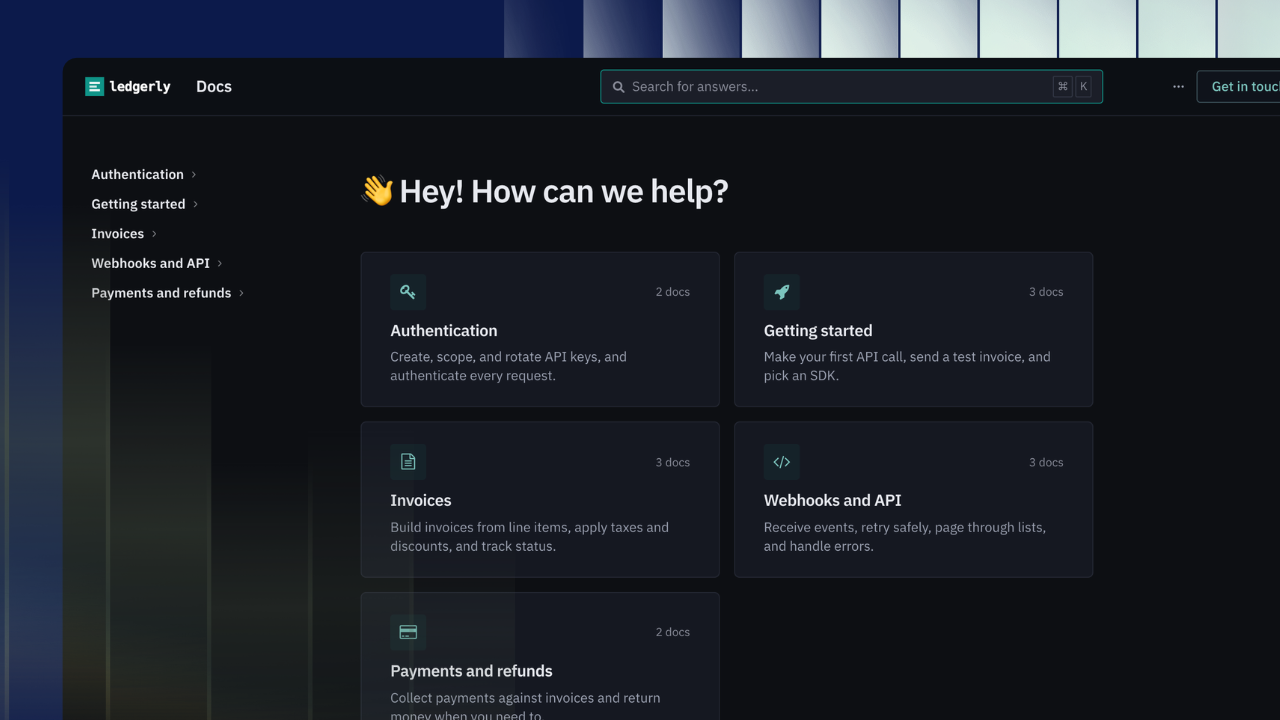
- Docs
- Ask
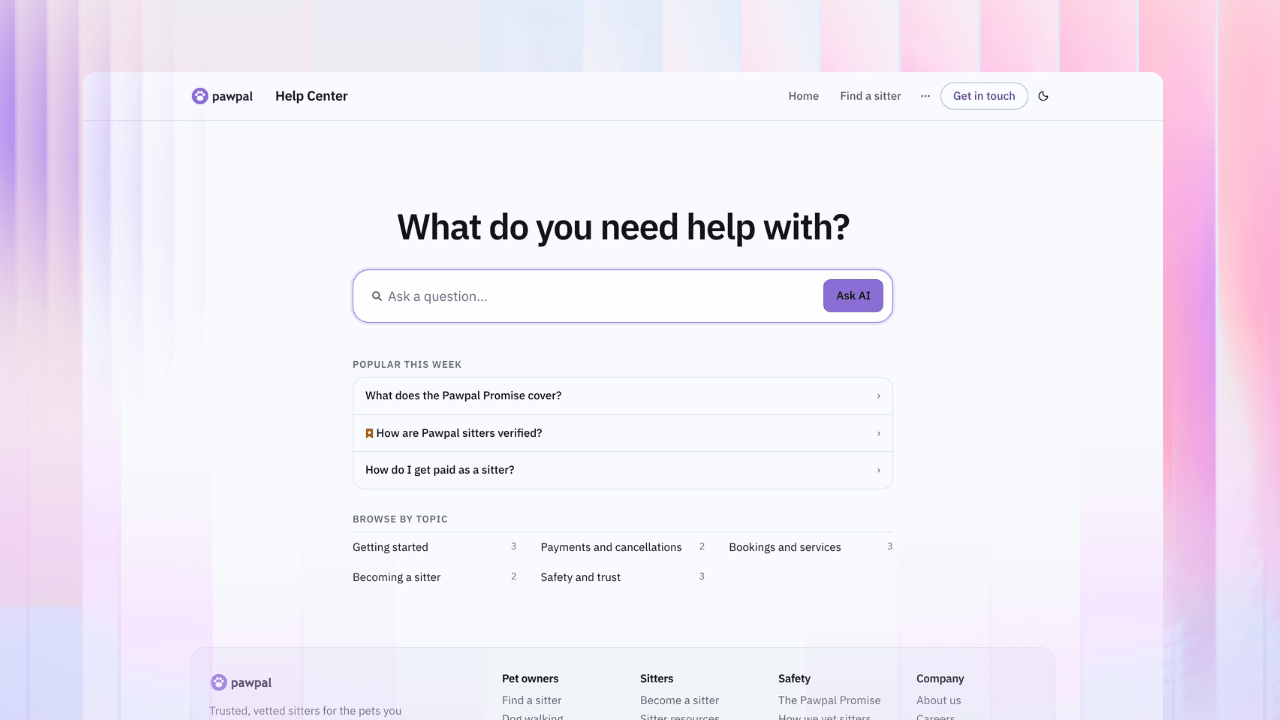
Make it yours, no code required
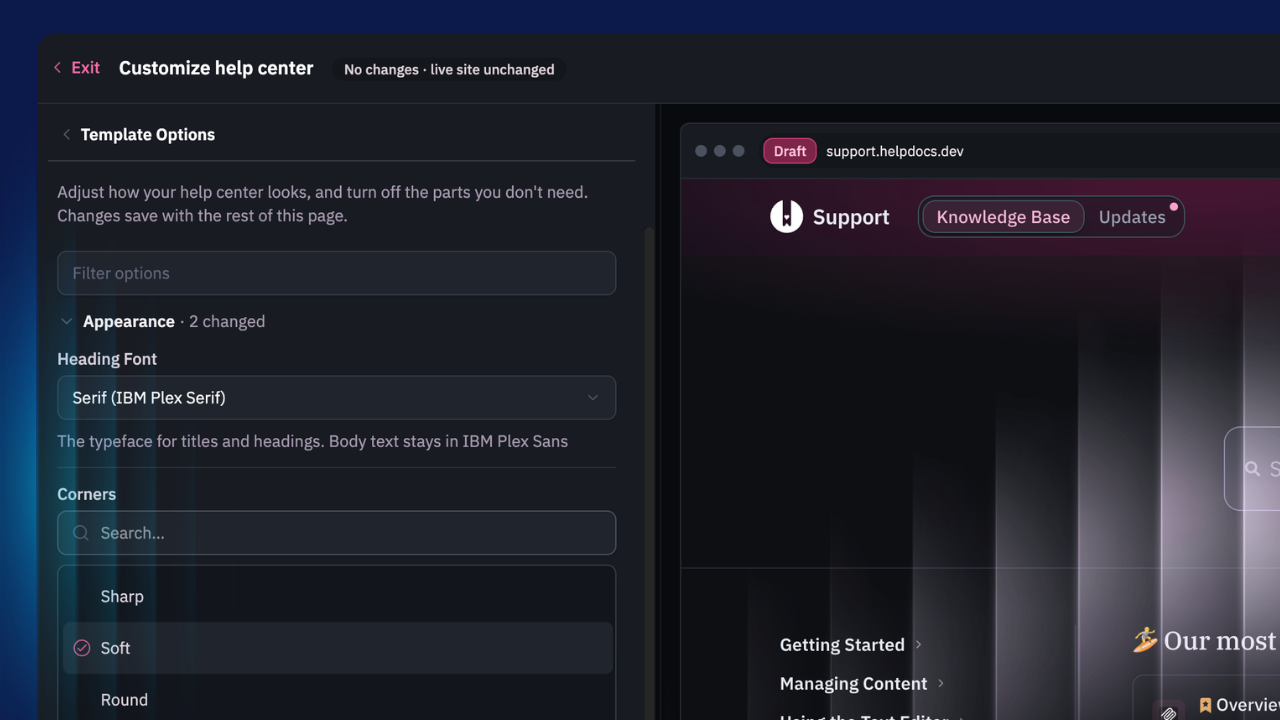
Open Customize and start shaping your template with our new Template Options. Every setting restyles the whole knowledge base at once, and the preview keeps up as you go.
Setting | Your options | What it changes |
|---|---|---|
Corners | Sharp, Soft, Round | Cards, buttons, and the search box |
Background | White, Warm, Cool | The page and its panels |
Spacing | Comfortable, Compact | How much fits on screen |
Heading Font | Sans, Serif, System | Titles and headings |
Search Banner | Gradient, Solid, None | The band behind your home page search |
Home Page Style | Cards, Directory | Topic cards, or every category with a few articles (Startup) |
Sidebar Navigation | On, Off | A category rail down the left (Startup) |
Provide a better experience, today
- Go to Settings › Customize.
- Pick Startup, Docs, or Ask.
- Open Template Options and start clicking. Try Corners first. It's oddly satisfying.
- Build your footer.
- Publish when it looks right.
Go round some corners. Then send us a screenshot, because we'd love to see what you make 😍