

Need a productivity shortcut for your Knowledge Base workflow? When you're creating tons of content, help.new gives you a super quick way to create new articles from anywhere on the web. Meet help.new, your favorite sidekick.
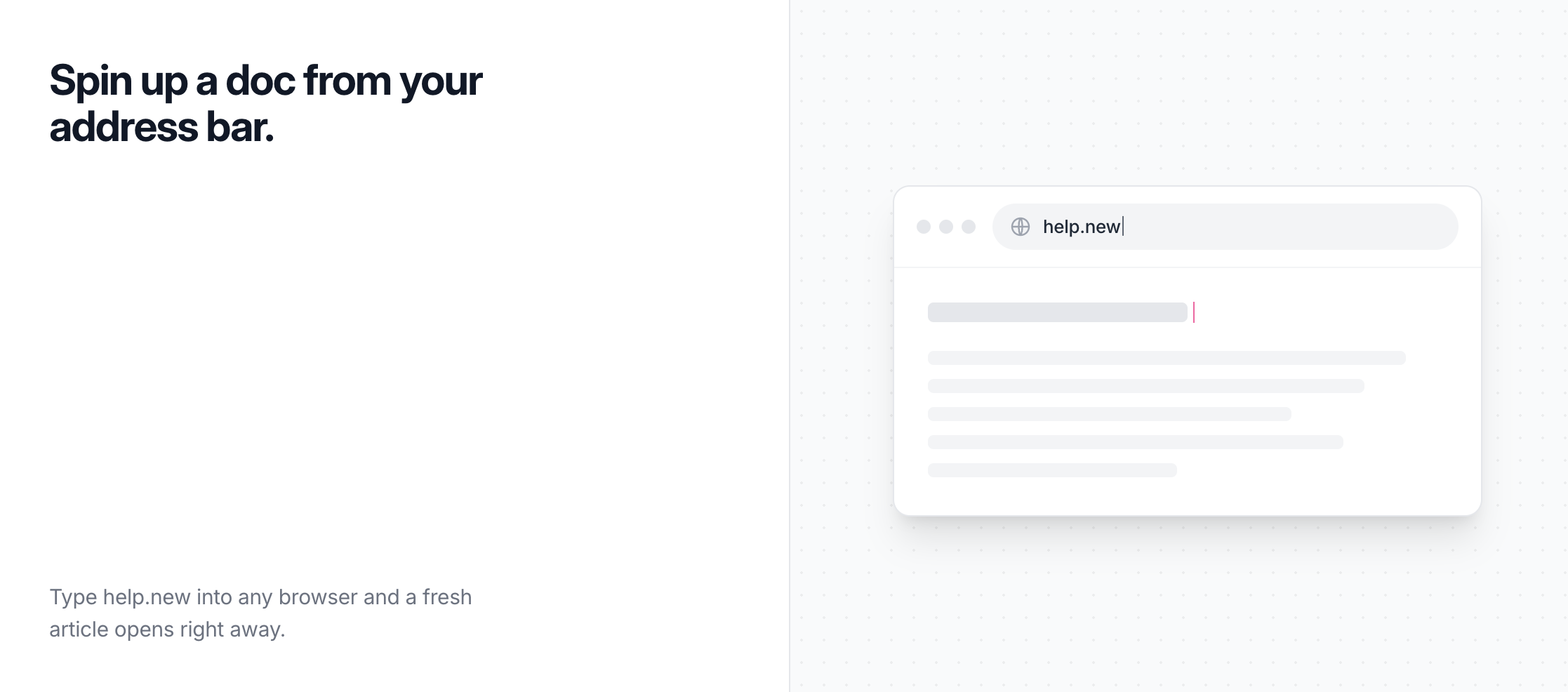
- Type help.new into the URL bar
- Login to your account
- If you have multiple accounts make sure you select the right one
- You'll be sent to a blank article
- Start writing your awesome article 💖
Once you land in the editor, you can start writing right away. New to the editor? Check out Introduction to the Block Editor to learn the basics.
- When you're done, hit Save to create a draft or Publish to make it live