
Available on: All plans · Help article →
There's an article in your knowledge base about a feature you retired two years ago. You can't bring yourself to delete it. It sits there as a draft in Content with a manual [ARCHIVED] title.
Well, we've solved this with our new archive feature 🧘
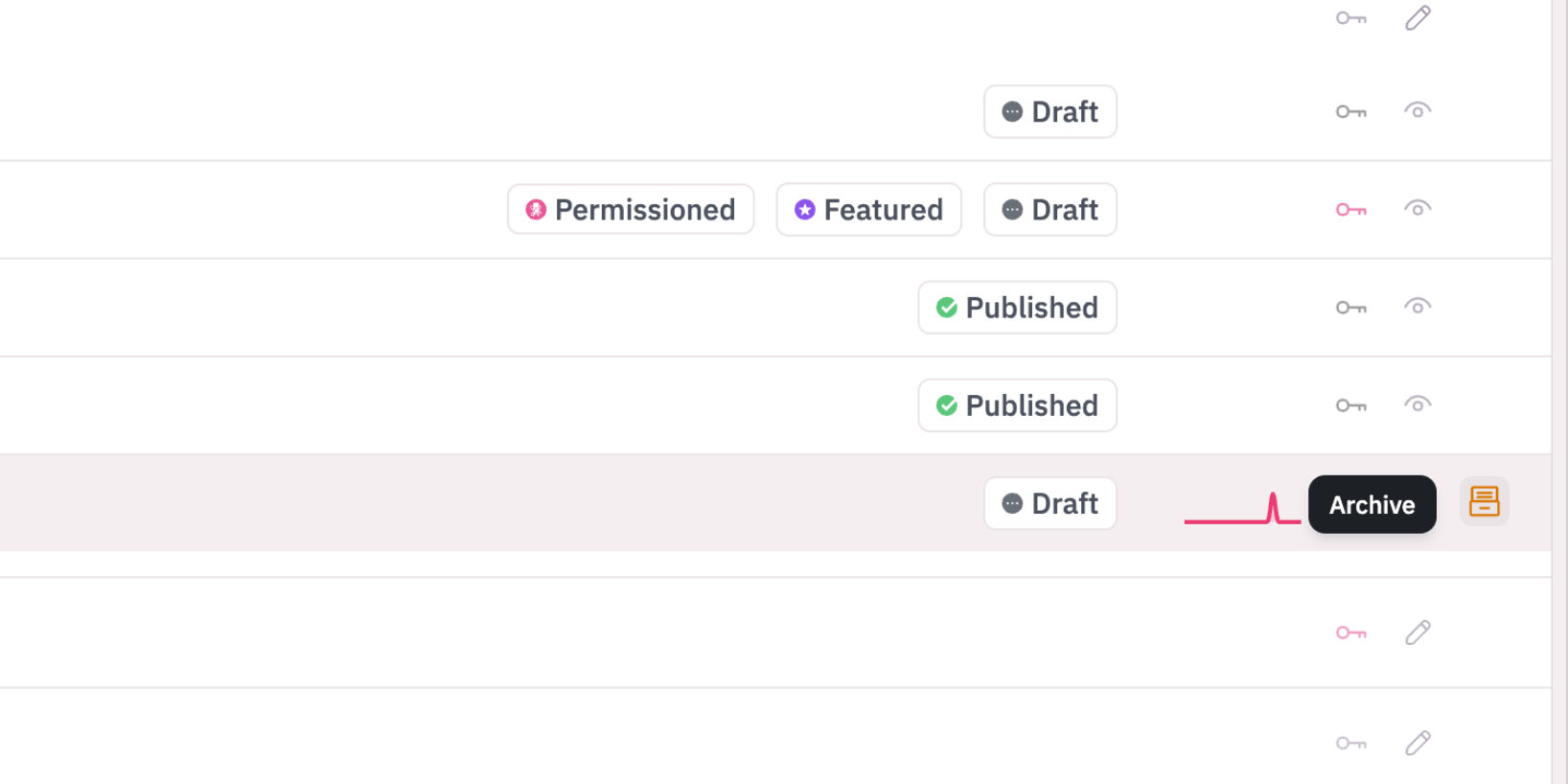
Archiving takes that article off your knowledge base and keeps it as a read-only article, hidden but never forgotten.
How this helps you day to day
- Seasonal articles can leave and come back. Archive the holiday shipping guide in January, unarchive it next November.
- Add a reason like "Superseded by the new billing guide". Readers never see it, but whoever internally finds the article later gets an answer instead of a mystery.
- Archive a live article and we'll offer to redirect its visitors to whatever replaced it, so old bookmarks don't hit a 404.
- Clearing a backlog takes one pass. Select everything out of date and archive the lot.
Why we built this
Delete was too final and draft was too lossy, so people left drafts with an archived title, which meant digging through old articles. We'd rather give you a third option.
How to get started
- Open the Content view and find an article that's past it
- Hover the row and click the Archive icon on the right
- Add a reason, and pick a redirect if the article is live
- Click Archive article, then Quick look on the archived row to read it back