

Let's face it. Nobody wants their customers to visit a 404 page. If it happens something has usually gone missing or they've been directed to the wrong place.
That's why we've created Smart 404s. It's a way to automatically direct your lost customers to the article they were looking for.
This feature is available on certain plans.
How Smart 404 Pages Work
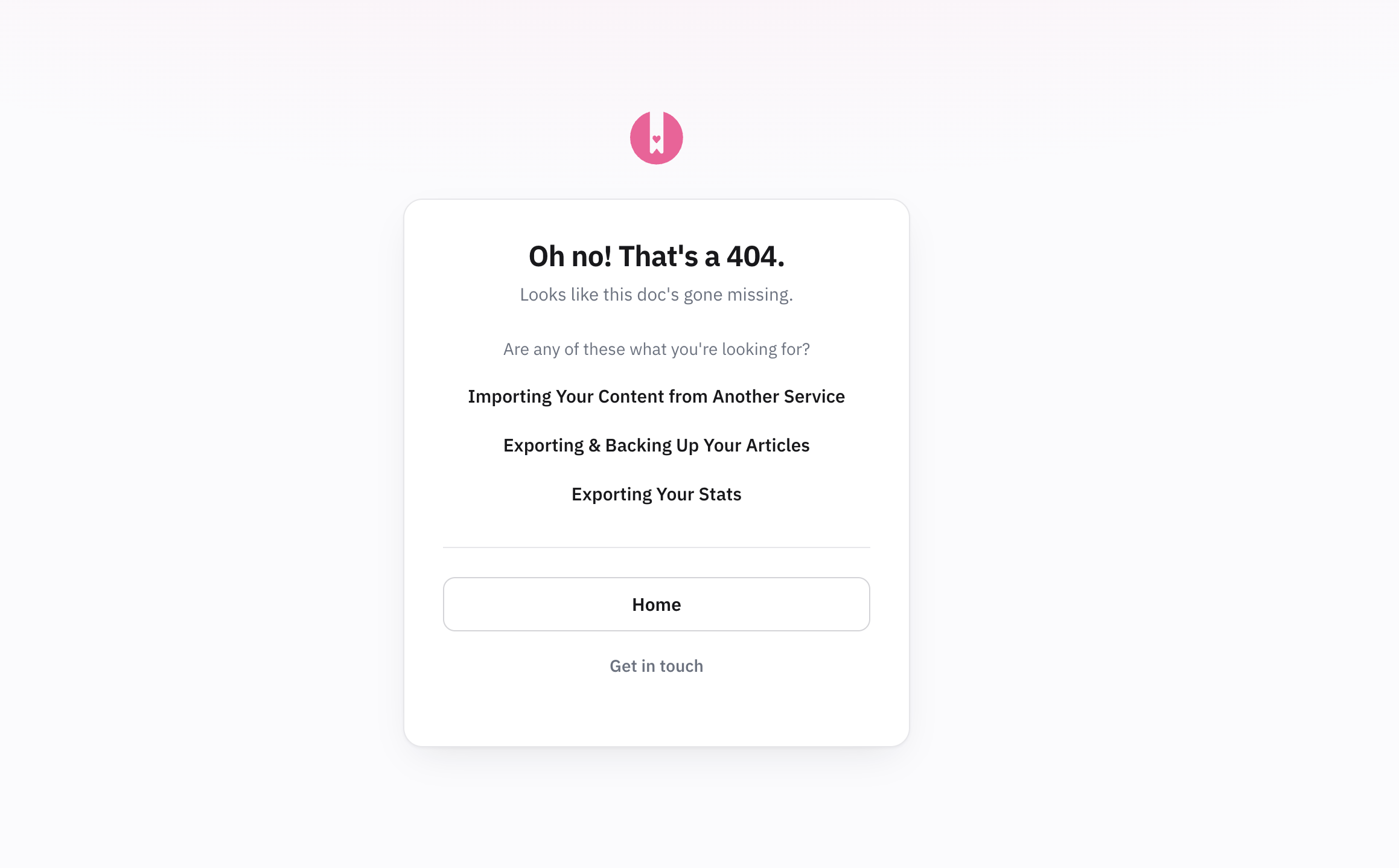
- Your customer is directed to an incorrect URL on your Knowledge Base
- HelpDocs automatically looks for articles the customer might be searching for and suggests them on the 404 page
- Your customer either finds the article or gets in touch with you using the contact form (if configured in Settings) or live chat (if you have a chat integration enabled)
If Smart 404s can't find relevant articles to suggest, your customer will see a standard 404 page with your contact options.
Customizing Your Smart 404 Page
Head to Settings > Language to customize the strings on your 404 page. Learn more about changing language strings
No need to style your 404 page. We create it for you by blending your brand color and logo 🎨