

This will be because you need to enable an SSL certificate on your custom domain. We take care of this for you but you'll have to click a button. Here's what to do:
- Head to Settings > General
- Click the Request SSL button next to your custom domain
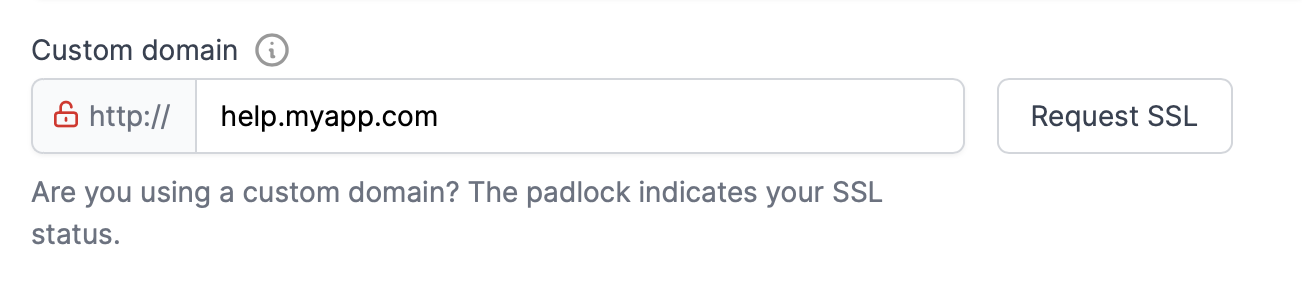
- If this is successful the lock icon will turn from red to green. We'll now apply the SSL to your domain automatically and the error will be gone ✨
If you're still having an issue check your custom domain is set up correctly