

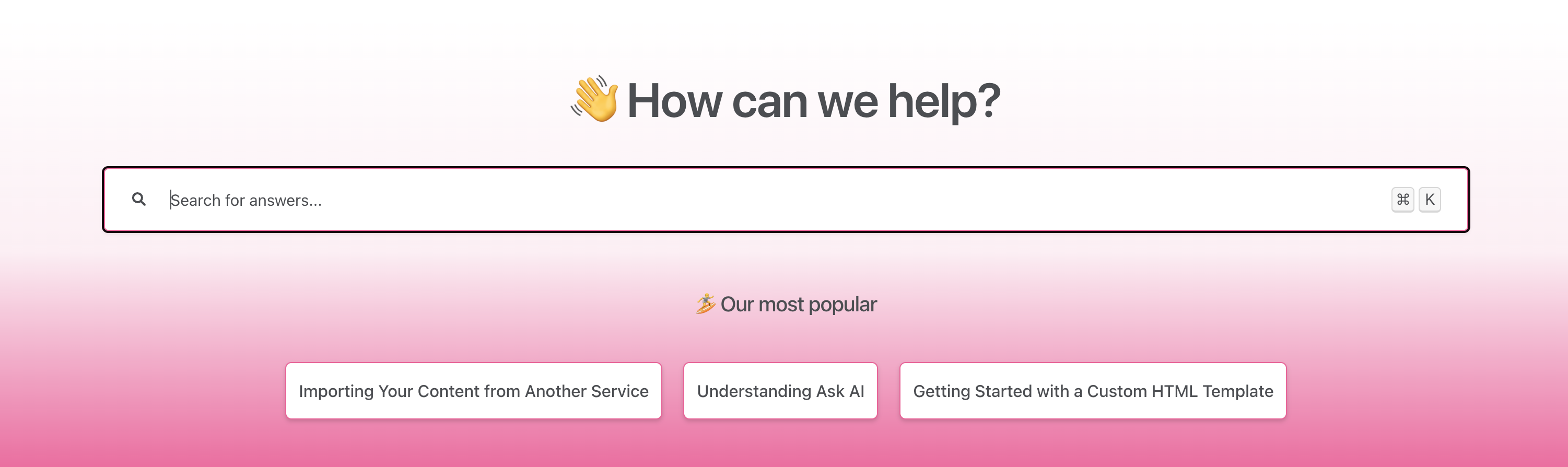
Once you start getting views to your Knowledge Base you'll see a new section called Top Articles. This section highlights your most popular articles, making it easy for readers to find your most valuable content.
How Top Articles are Calculated
Top articles are shown based on the past week of article views. The top three articles with the most views will appear in this section.
If your Knowledge Base is new or has low traffic, the Top Articles section may not appear until you have enough views to determine the top performers.
In the example below Importing Your Content from Another Service, Understand Ask AI, and Getting Started with a Custom HTML Template will all show in the top articles section because they've had the most views in the last week.
Title | Views in the last week | 🏆 Top Article? |
Resetting your password | 536 | Yes |
Installing our JavaScript snippet | 452 | Yes |
Creating your first workflow | 364 | Yes |
Adding your teammates | 321 | No |
Using our API | 128 | No |