
Available on: Sprout, Bloom, and Harvest (part of HelpDocs AI)
You've almost certainly got an AI assistant open in another tab right now. As of today, it can reach into your Knowledge Base and actually do things.
HelpDocs MCP is a Model Context Protocol server for your account. Connect it once, in the assistant you already use, and it can search your articles and categories, read any article in full, create, update, and delete articles and categories.
MCP is an open standard, so one setup covers every MCP-compatible client. No plugin, no extension, no new interface to learn.
Read about connecting: Claude · ChatGPT · More connection guides coming soon
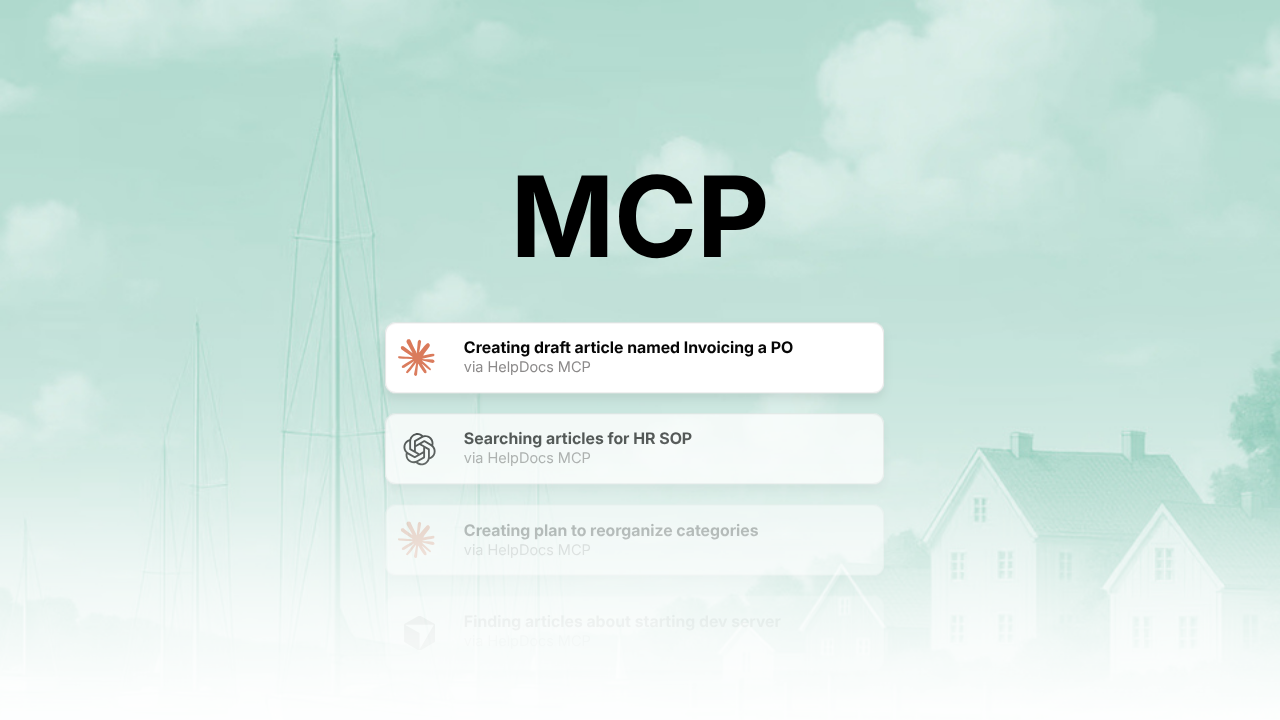
How to help you on a daily basis
- A ticket comes in that should have been an article. Paste the thread in and say "draft this as a HelpDocs article, match the tone of our troubleshooting docs, save it as a draft." It reads your real articles first, then writes something that sounds like you. Ten minutes, start to finish.
- The organization has drifted. "Does my knowledge base organization make sense? If not, how to improve?".
- You're shipping next week. In Cursor, alongside the code: "read the PRD in this repo and draft the help article." Your engineer hands you a first draft without ever opening HelpDocs.
You stay in charge
Every action has its own permission setting. In Claude, for instance, you can set each one to Automatic, ask-first, or off entirely. So search my articles fires instantly while delete this category always stops and checks with you.
Nothing goes live unless you say so, and drafts stay drafts.
Why we built it
Knowledge base work is stuffed with jobs that are tedious for a person and trivial for a machine. Cross-referencing, consistency passes, "which of these do we already cover", and the machine had never been given access. You'd end up pasting an article into a chat window, getting something useful back, then pasting it into HelpDocs.
MCP removes the middle step. Your assistant reads the real article and writes the real draft, in the place the work already lives.
How to get started
- Grab the MCP URL from the docs.
- Add a connector in your AI client using the name HelpDocs and the URL
- Run through the authorization flow and pick which account to connect
- Set your tool permissions so it can do what you want
- Try it: "Search my HelpDocs articles for billing"
Start with something low-stakes. A category audit, or asking it to describe your house style back to you. Then work up to letting it draft.