

Wondering where your HelpDocs are located and how to log in? You're in luck! There are a few ways to access them.
Accessing via Your HelpDocs Subdomain
This is the easiest way to access your specific Knowledge Base. It will look something like <your-subdomain>.helpdocs.io
To access the login page, you can simply add /login to the end of the URL, so if your subdomain was example.helpdocs.io, you can access your login page at example.helpdocs.io/login.
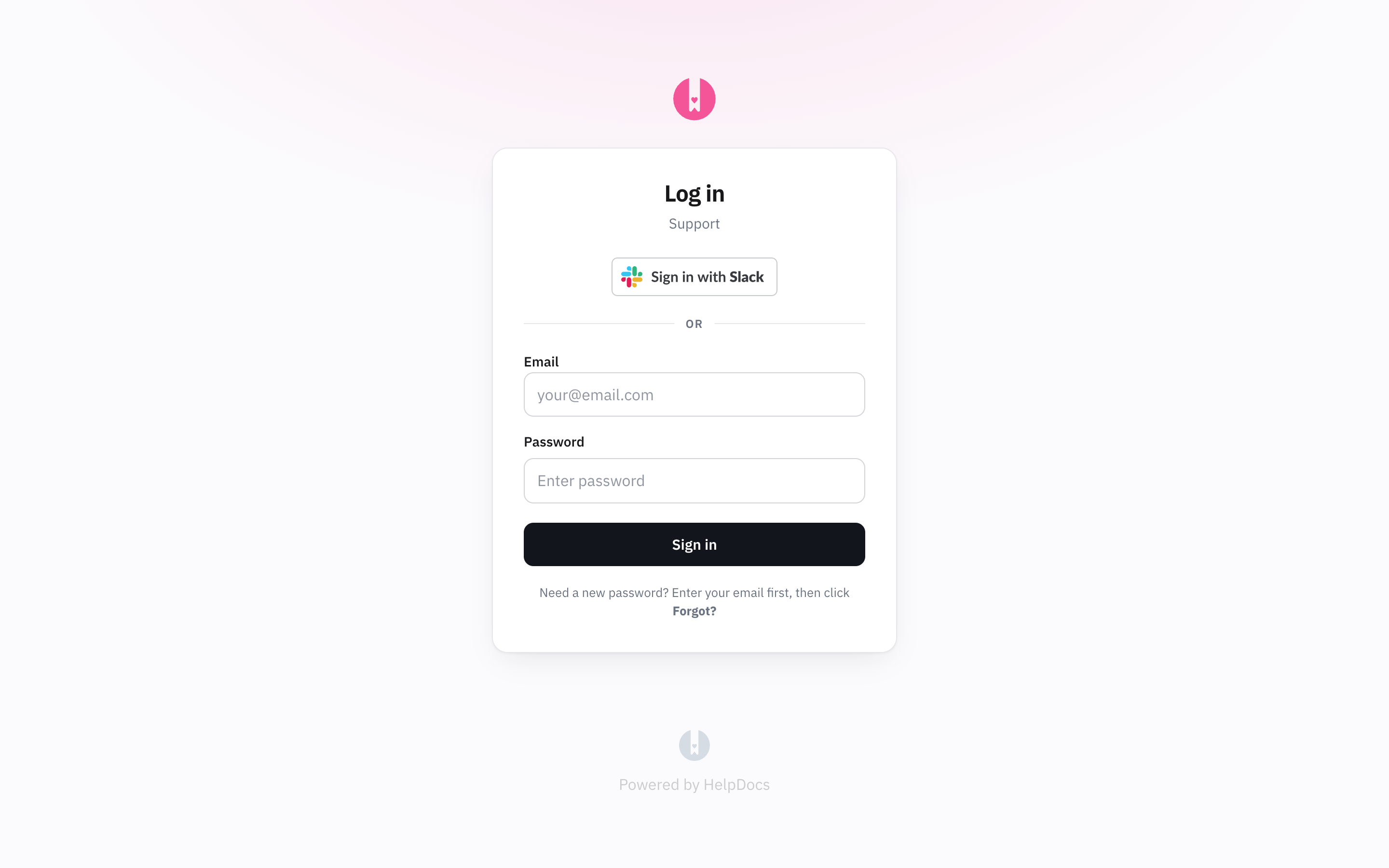
example.helpdocs.io/app (replacing 'example' with your subdomain) for easy access later onUse my.helpdocs.io
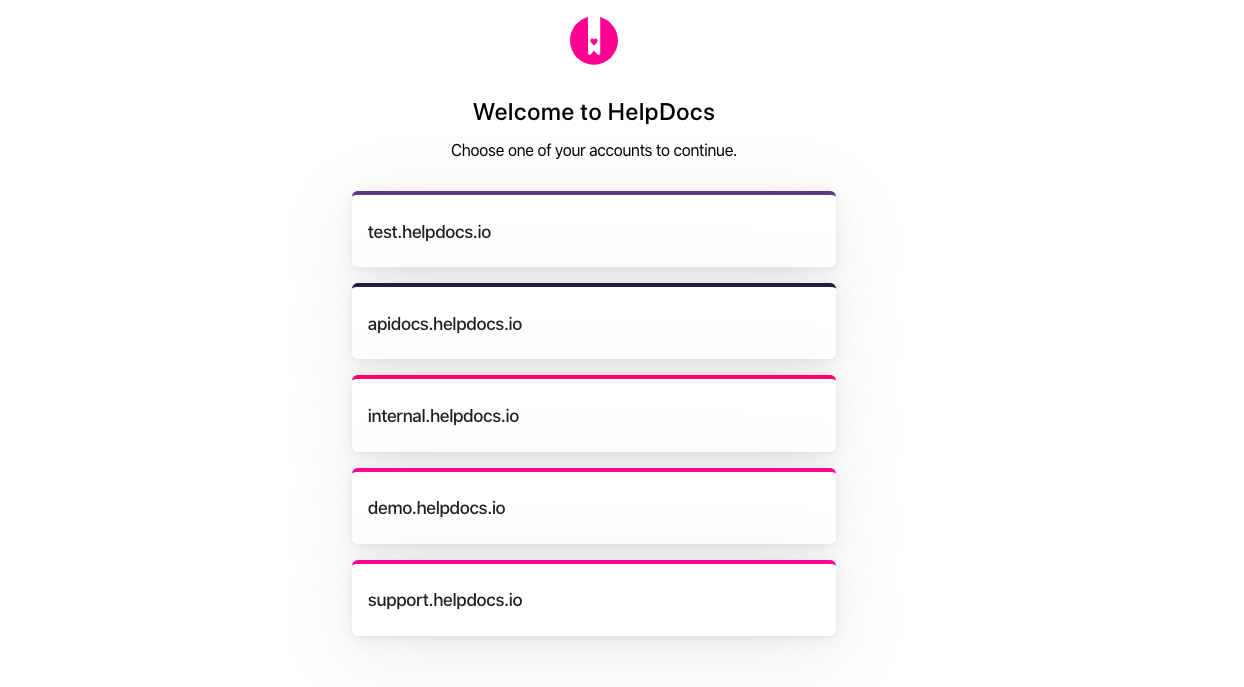
If you head to my.helpdocs.io and log in with your details, it'll automatically log you into the right place. This is also handy if you've forgotten your subdomain. And if you have multiple Knowledge Bases, it'll show you a list, so you can choose which one to head to.
Using a Custom Domain
If you have a custom domain, you can also access the admin pages at https://<your-custom-domain>/app and we'll redirect you to the secure subdomain.
If you're not logged in, you'll be redirected to a login page, else you'll be able to view and change your settings right away.
Having trouble logging in? Check out our login troubleshooting guide or reset your password.