

Large Language Models (LLMs) and AI assistants are becoming increasingly popular for customer support. llms.txt is a simple standard that makes it super easy for external AI systems to discover and access your Knowledge Base content for training and reference purposes.
What is llms.txt?
llms.txt is a standardized file that AI systems can automatically discover and use to access your Knowledge Base content. Think of it like robots.txt, but designed specifically for AI training and reference. It provides a clean, structured way for external AI tools to understand what content is available and how to access it.
When external AI systems encounter your llms.txt file, they can automatically configure themselves to use your Knowledge Base as a reliable source of information. This means better, more accurate responses that are based on your actual documentation rather than general training data.
What does llms.txt actually help with?
Automatic discovery - AI tools can find and connect to your content without manual configuration
Structured access - Your content is presented in a format optimized for AI consumption
Always up-to-date - AI systems get your latest content automatically when you update articles
Better accuracy - Responses are based on your actual documentation rather than outdated or generic information
How to Enable Your llms.txt
- Head to Settings > AI
- Head to the AI visibility section
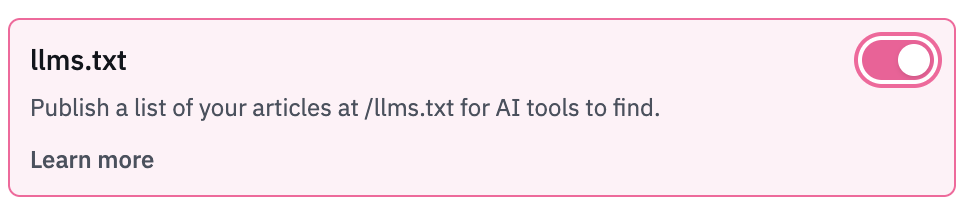
- Click llms.txt to enable
- Hit Save Changes
Once enabled, your llms.txt file will be automatically available atyourdomain.helpdocs.io/llms.txt
Simply replace "yourdomain" with your actual HelpDocs subdomain. External AI systems can access this URL to discover your content structure and start using your Knowledge Base as a reference source.